William Goodall's Blog Occasional mutterings

March 21, 2015

rsync on external drives with OS X sparse bundle images

Filed under: Apple,IT — William_T_Goodall @ 14:38

If you use (encrypted) sparse bundle disk images on Mac OS X and want to be able to keep backups of the images on a different external drive you can use the rsync command to copy/delete only the changed bands making the process very quick.

Assuming you have a sparse bundle disk image called IMAGE at

/Volumes/DRIVE1/images/IMAGE.sparsebundle and you want to back it up to

/Volumes/DRIVE2/backups/IMAGE.sparsebundle

Unmount the images if they are mounted. You will not need the password if the drives are encrypted as the drives are not mounted during the backup.

In the terminal use the following command

rsync -vaE –inplace –delete –progress /Volumes/DRIVE1/images/IMAGE.sparsebundle /Volumes/DRIVE2/backups

editing the command to match your paths and filenames. Note that you do not enter the filename of the destination sparse image, just the folder it is in. (Without trailing ‘/‘). If the destination doesn’t already exist then it will be created but since this involves copying the entire image it will take time. Once the destination image exists only changes are copied across and will be quick.

If the process is interrupted before it completes the destination image may be corrupted. Simply rerunning the command to completion should resolve this.

If you use the hdiutil compact command to free unused space on the source disk image then unused bands will be deleted on the destination image when you sync.

DISCLAIMER. I have successfully used these commands to back up and synchronise several encrypted sparse bundle images between various Firewire and USB3 external drives but if you choose to try this yourself it is your responsibility to ensure that it works correctly for your requirements.
December 11, 2014

Pegler i-Temp

Filed under: DIY,IT,Unboxing — William_T_Goodall @ 14:01

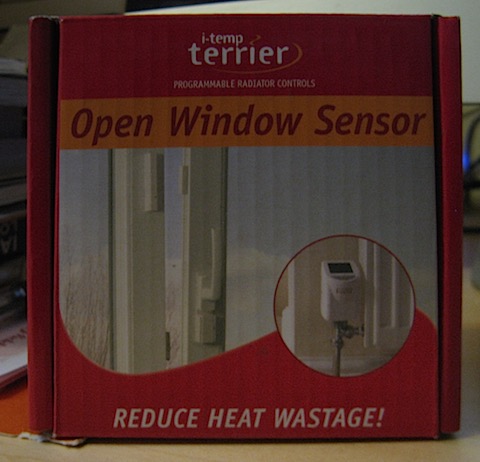
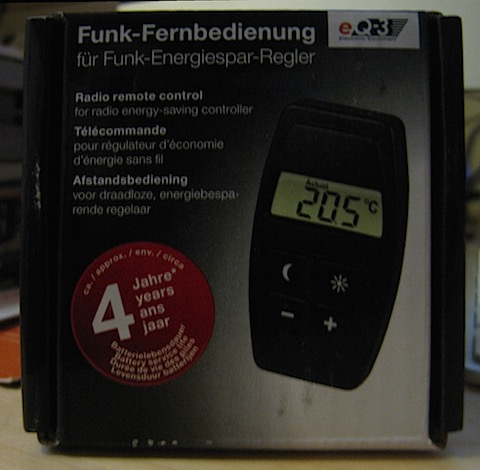
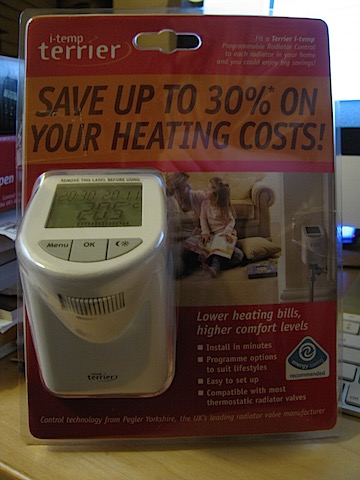
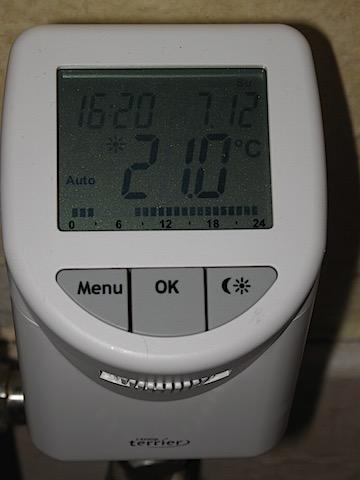
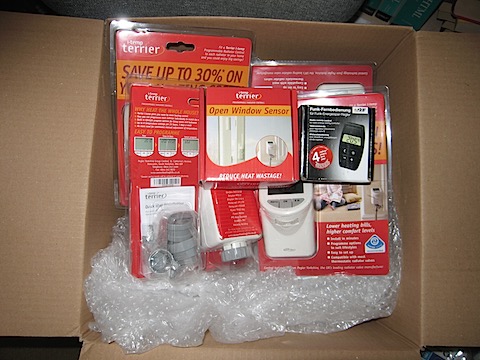
New heating controllers for the winter. Five TRV heads, a window sensor and a remote control. Discovered a leaky TRV body when installing them so that will need a plumber.

IMG_6260 - Version 2 IMG_6263

Installed window sensor using provided double-sided sticky pads.

IMG_6264

May get another remote so I can have one for the office and one for the living room.

IMG_6265

I got a ‘buy three get one free’ deal and got five for the price of four.

IMG_6266

Shredder

Filed under: Unboxing — William_T_Goodall @ 13:49

IMG_6272

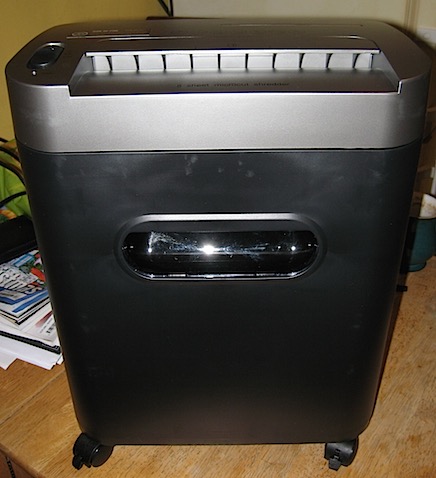
New Amazon Basics shredder is quiet and shreds well. I got it on a 20% off sale.

November 17, 2014

Appliances

Filed under: Uncategorized — William_T_Goodall @ 13:40

Got new white goods in the last couple of weeks as the old ones had either stopped working completely or were getting there.

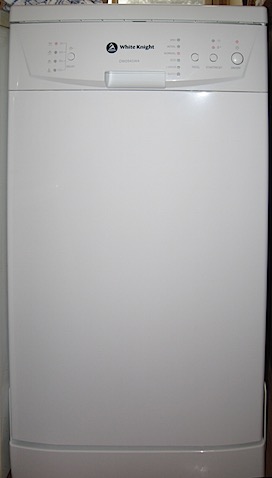
The previous dishwasher pump broke which is what started the upgrade cycle. Decided to replace it rather than try and get it fixed since it had already had other problems before. New dishwasher. This is our third dishwasher since 2001.

IMG_6202

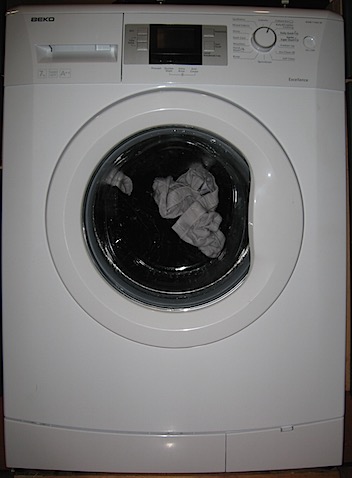
The old washing machine kept stopping with errors during the cycle.

New washing machine. This is our fourth washing machine since 2001.

IMG_6249

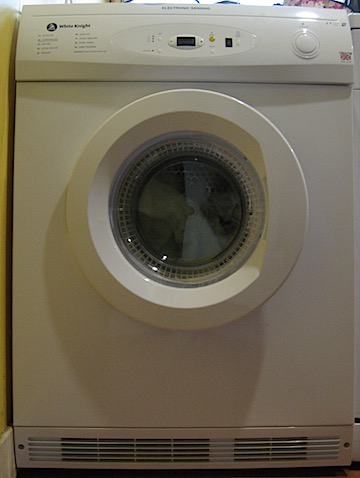
The old dryer had to be thumped in the right spot to make it start and the timer didn’t work.

New dryer. This is our second dryer since 2001.

IMG_6253

October 3, 2014

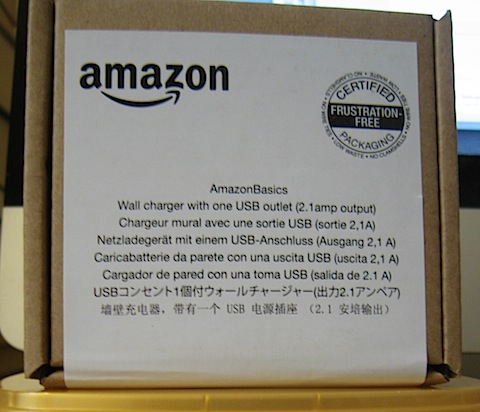
USB power

Filed under: iOS,IT,Unboxing — William_T_Goodall @ 13:32

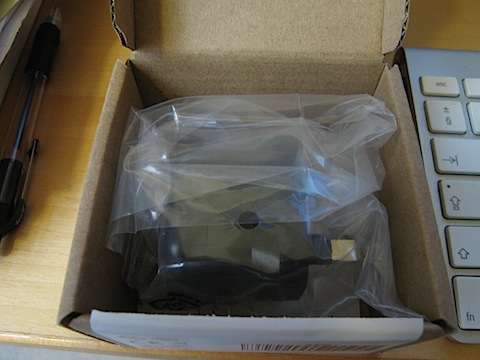
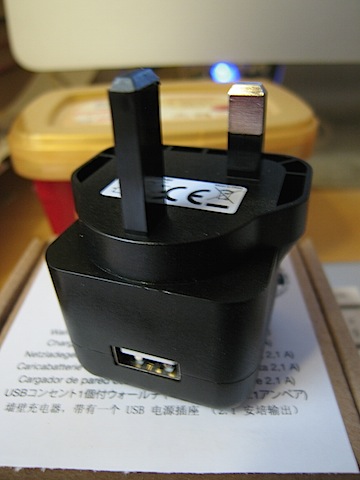
To power the BL-MP01 wireless access point in the lounge. The previous USB power supply got recalled.

IMG_6178 IMG_6179 IMG_6180

August 10, 2014

Another New HDD

Filed under: IT,Unboxing — William_T_Goodall @ 11:06

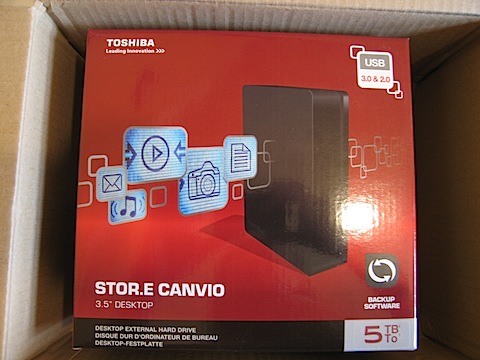
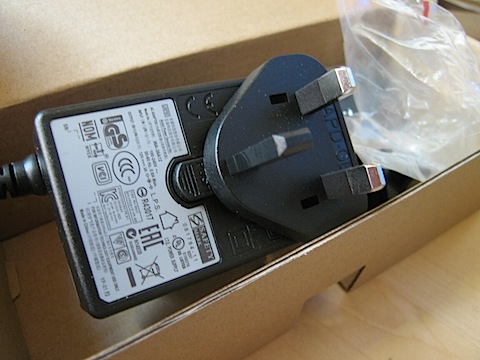
I now have a 3TB, 4TB and 5TB drive. I imagine this will enable me to move my files around until I have everything backed up and room to put new stuff and a backup in a streamlined way. Once I work it out.

IMG_6173 IMG_6176

Anniversary

Filed under: Apple,iOS,IT,Unboxing — William_T_Goodall @ 11:03

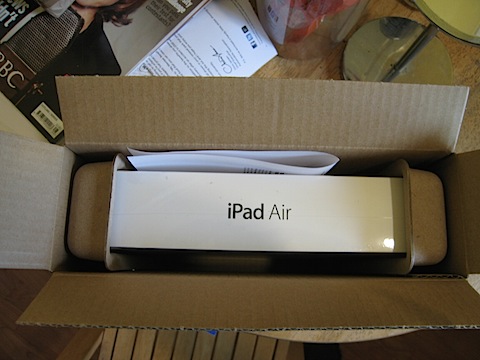
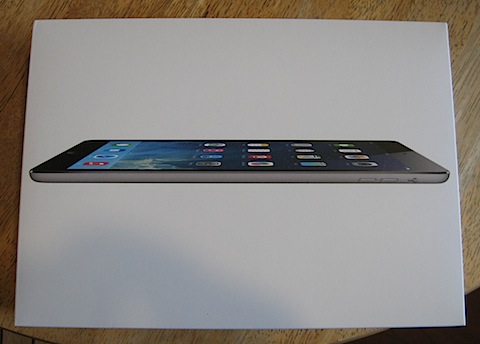
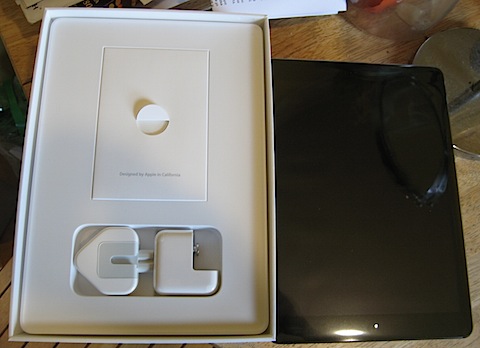
Twenty years, so I got the wife this.

IMG_6161 IMG_6162 IMG_6163

July 5, 2014

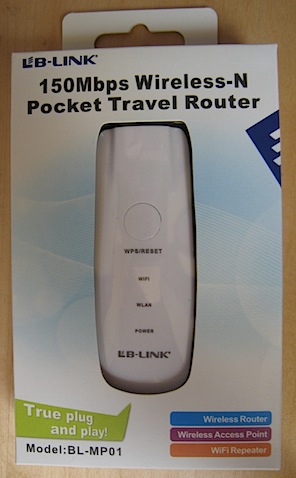
BL-MP01

Filed under: Apple,iOS,IT,Unboxing — William_T_Goodall @ 15:15

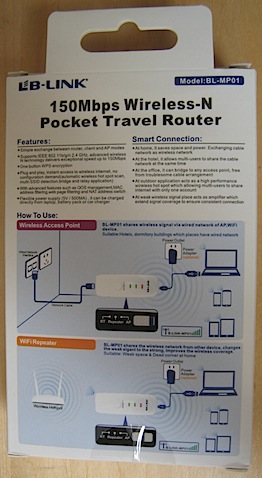
I got this to provide WiFi downstairs. It plugs into the router attached to the wired ethernet and provides a WiFi point for mobile devices like iPod Touch or iPad.

IMG_6156

The pocket travel bit wasn’t relevant to my needs – it was just the cheapest suitable device I could find at £8.95. It does need a spare USB power supply though as it doesn’t come with one. It does have a USB cable and an ethernet cable.

IMG_6157

I telneted into it and saw Busybox. It didn’t seem to be configurable that way though, I had to get the web interface working on 192.168.16.254 which meant temporarily setting up one Mac on 192.168.16.xxx so I could connect it to the ethernet port and do the settings. It needed a reboot between every setting to get them to stick but it is a once-off. Now it has an SSID and a password of my choosing.

June 25, 2014

New Boots

Filed under: Unboxing — William_T_Goodall @ 14:33

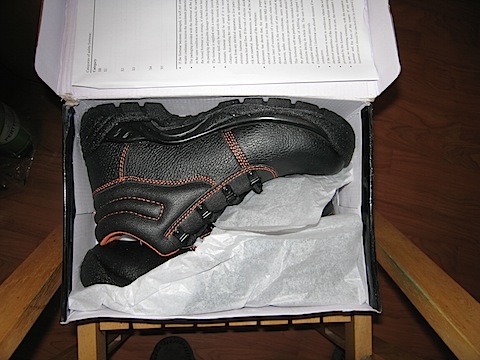
Got these in advance of the current pair wearing out.

IMG_6119

New external HDD

Filed under: Apple,IT,Unboxing — William_T_Goodall @ 14:31

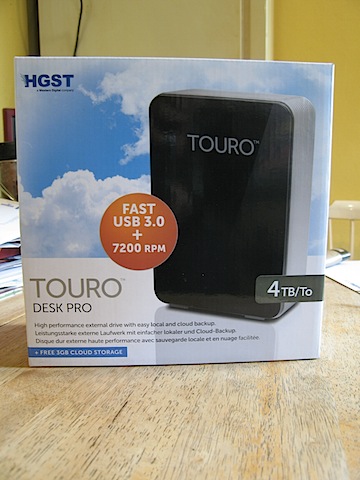
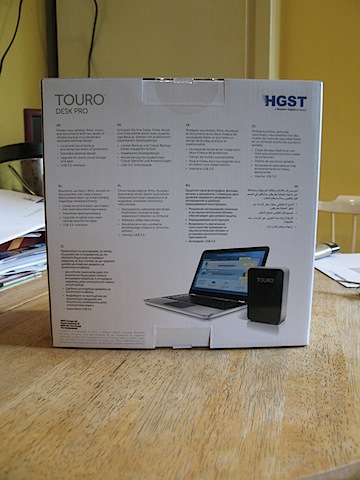
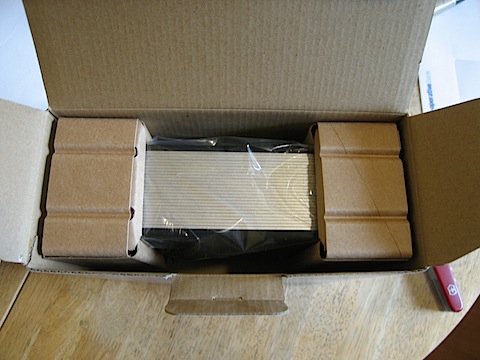
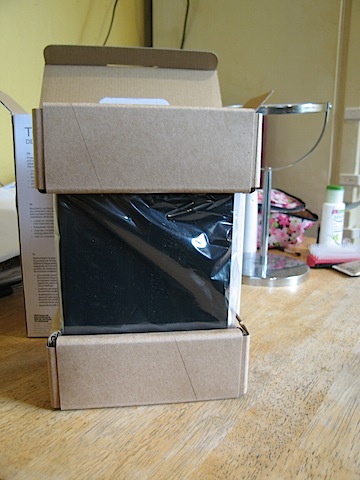
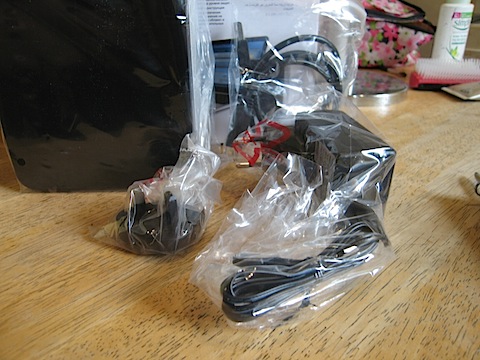
4TB USB 3 drive to reorganise and back up stuff from my 3TB Firewire 800 drive which is nearly full.

IMG_6139 IMG_6141

Used to be Hitachi Global Storage Technologies now part of Western Digital. The very similar TOURO DX3 uses the greener 5400 RPM drive.

IMG_6142

TOURO Desk PRO.

IMG_6143 IMG_6144 IMG_6145

« Newer PostsOlder Posts »

Powered by WordPress