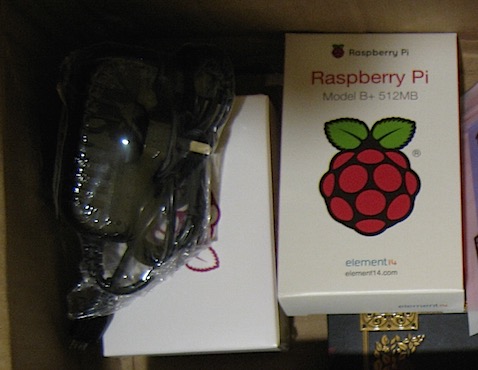
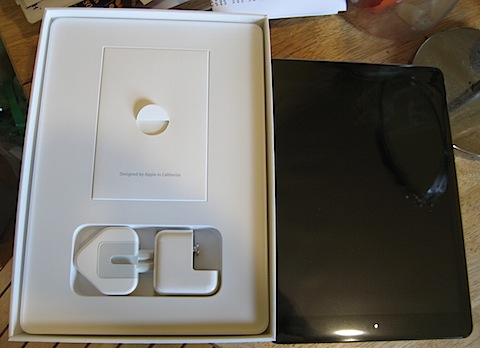
Made in China for a German brand, I got them online from a store in Ireland…
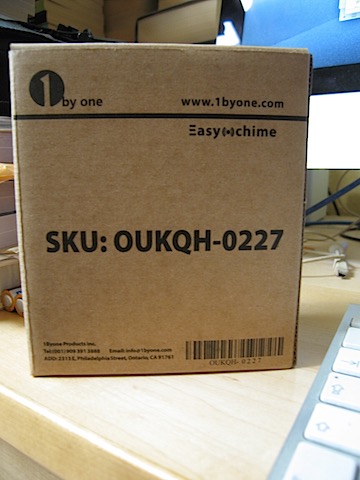
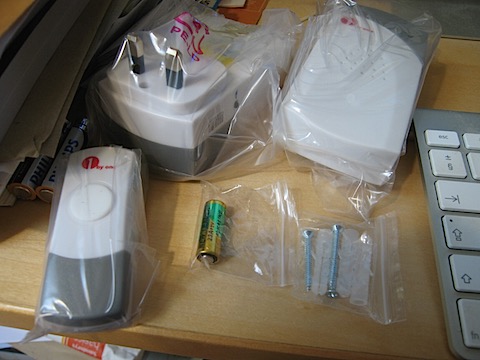
The old doorbell finally expired so I got a replacement wireless doorbell. One mains powered ringer and one battery powered ringer.
If you use (encrypted) sparse bundle disk images on Mac OS X and want to be able to keep backups of the images on a different external drive you can use the rsync command to copy/delete only the changed bands making the process very quick.
Assuming you have a sparse bundle disk image called IMAGE at
/Volumes/DRIVE1/images/IMAGE.sparsebundle and you want to back it up to
/Volumes/DRIVE2/backups/IMAGE.sparsebundle
Unmount the images if they are mounted. You will not need the password if the drives are encrypted as the drives are not mounted during the backup.
In the terminal use the following command
rsync -vaE –inplace –delete –progress /Volumes/DRIVE1/images/IMAGE.sparsebundle /Volumes/DRIVE2/backups
editing the command to match your paths and filenames. Note that you do not enter the filename of the destination sparse image, just the folder it is in. (Without trailing ‘/‘). If the destination doesn’t already exist then it will be created but since this involves copying the entire image it will take time. Once the destination image exists only changes are copied across and will be quick.
If the process is interrupted before it completes the destination image may be corrupted. Simply rerunning the command to completion should resolve this.
If you use the hdiutil compact command to free unused space on the source disk image then unused bands will be deleted on the destination image when you sync.
DISCLAIMER. I have successfully used these commands to back up and synchronise several encrypted sparse bundle images between various Firewire and USB3 external drives but if you choose to try this yourself it is your responsibility to ensure that it works correctly for your requirements.
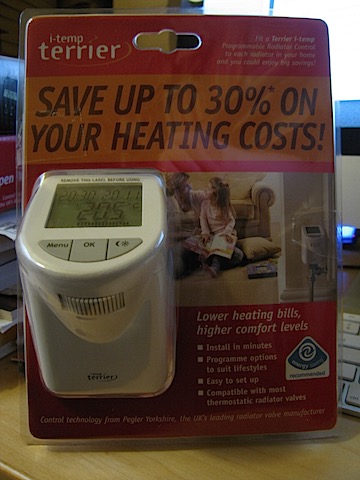
New heating controllers for the winter. Five TRV heads, a window sensor and a remote control. Discovered a leaky TRV body when installing them so that will need a plumber.
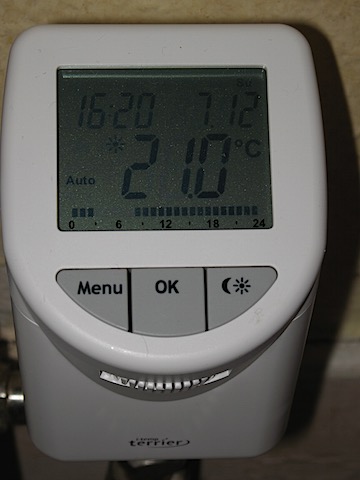
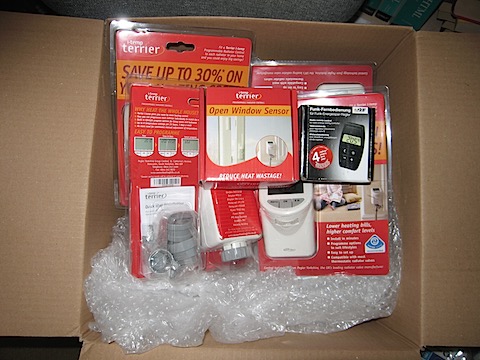
Installed window sensor using provided double-sided sticky pads.

May get another remote so I can have one for the office and one for the living room.
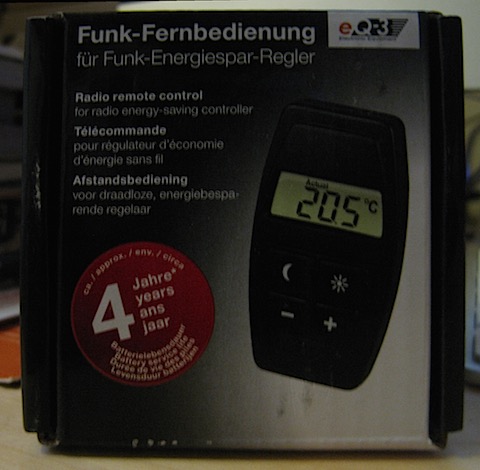
I got a ‘buy three get one free’ deal and got five for the price of four.
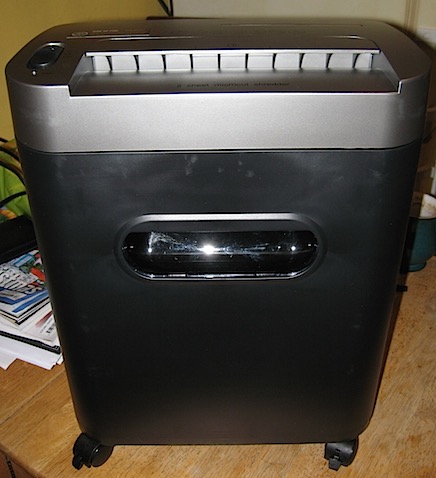
New Amazon Basics shredder is quiet and shreds well. I got it on a 20% off sale.
Got new white goods in the last couple of weeks as the old ones had either stopped working completely or were getting there.
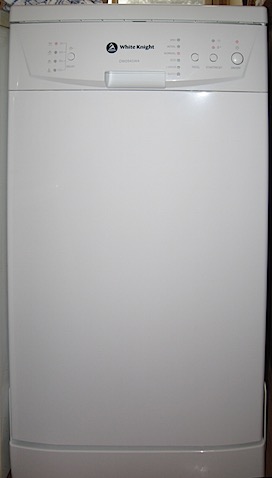
The previous dishwasher pump broke which is what started the upgrade cycle. Decided to replace it rather than try and get it fixed since it had already had other problems before. New dishwasher. This is our third dishwasher since 2001.
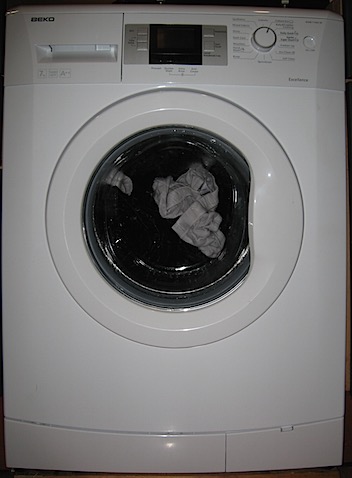
The old washing machine kept stopping with errors during the cycle.
New washing machine. This is our fourth washing machine since 2001.
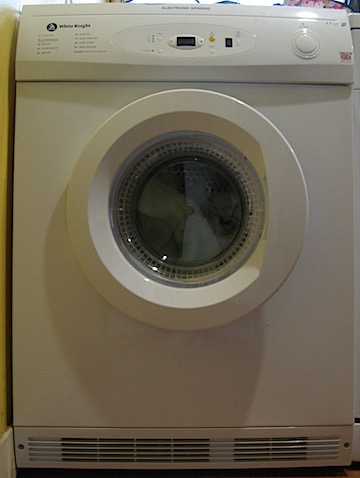
The old dryer had to be thumped in the right spot to make it start and the timer didn’t work.
New dryer. This is our second dryer since 2001.
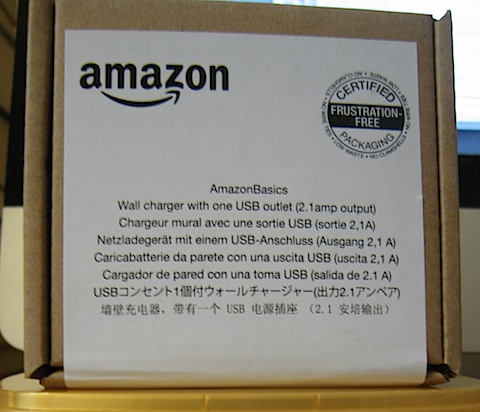
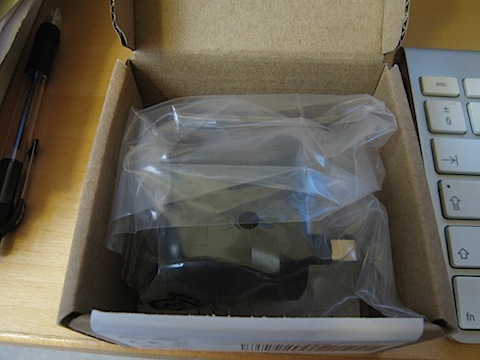
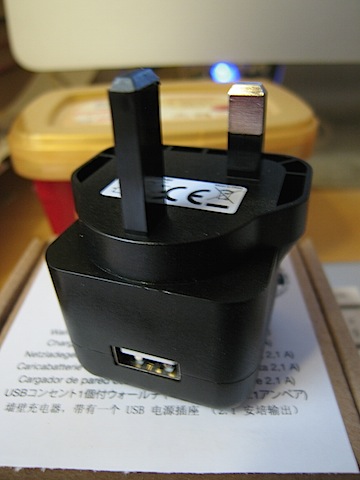
To power the BL-MP01 wireless access point in the lounge. The previous USB power supply got recalled.
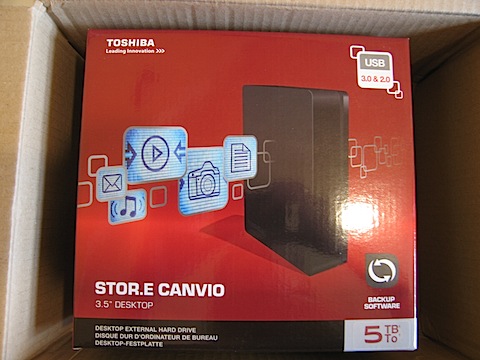
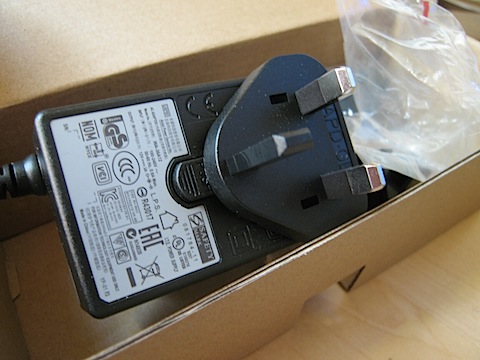
I now have a 3TB, 4TB and 5TB drive. I imagine this will enable me to move my files around until I have everything backed up and room to put new stuff and a backup in a streamlined way. Once I work it out.
Powered by WordPress